
Troubleshooting and Support
Return Key Sends Too Early: Preventing Accidental Prompt Submission
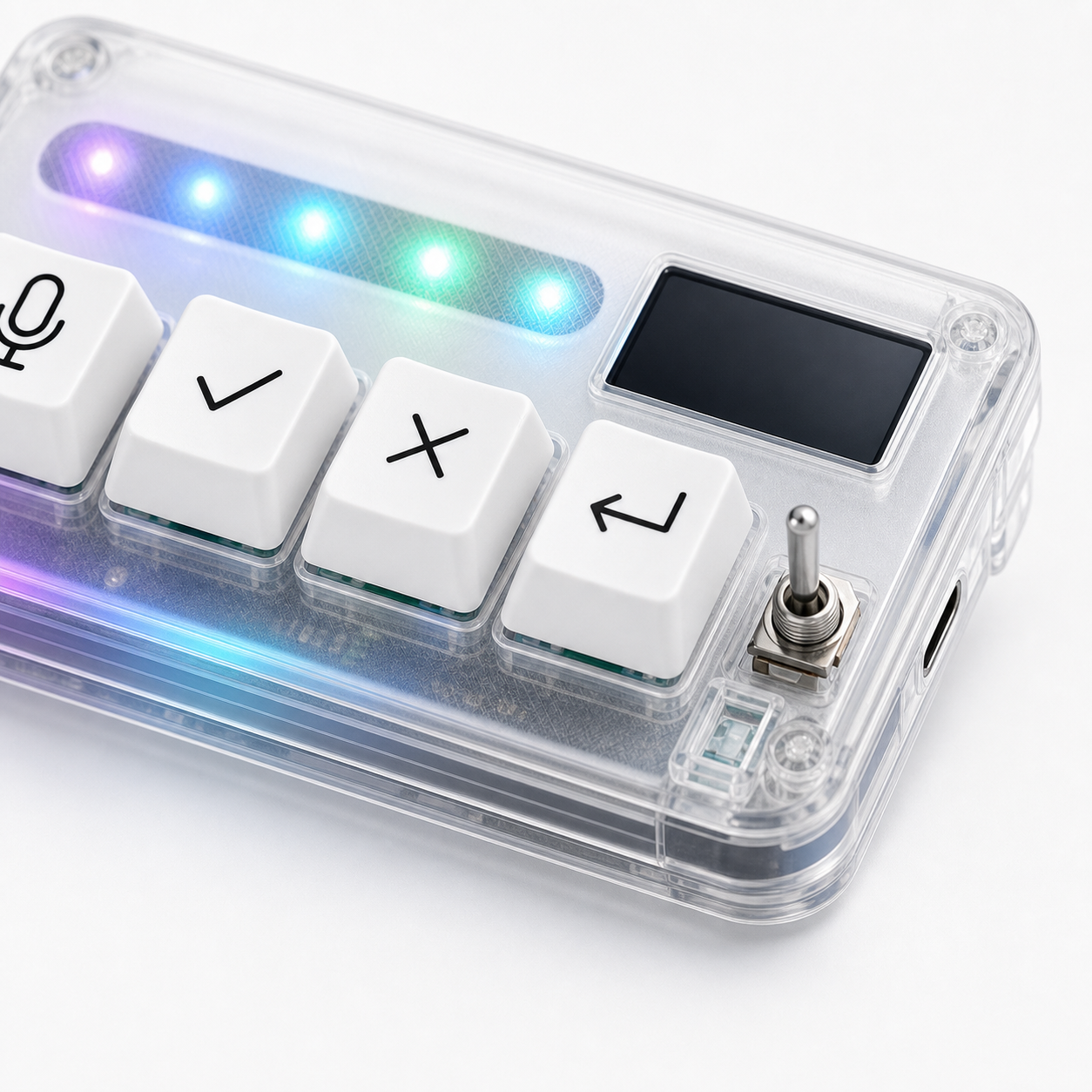
Jun
A return key that sends too early can ruin a good prompt. You are halfway through explaining a bug, adding constraints, or writing a careful AI instruction, and suddenly the prompt is submitted. The tool answers an unfinished request, and now the session starts from the wrong premise.
This problem is common because return behavior varies by app. In one tool, return submits. In another, it creates a new line. Some use shift-enter for new lines. Some let users change the behavior. HarnessKeys can still be useful, but the return key needs clear rules.
Learn the app’s return behavior first
Open the exact AI tool or prompt field where the issue happens. Test return with a harmless phrase. Does it send immediately? Does it create a new line? Does it depend on whether a suggestion is active? Does behavior change between browser and desktop app?
Do this before remapping anything. You need to know the app’s default behavior before deciding whether HarnessKeys should send return, shift-enter, or a different command.
Each prompt box has its own rules.
Use a draft area for long prompts
If you write long prompts, compose them in a scratch area first. That can be a text editor, notes app, or temporary document. Use voice input or typing there, clean up the prompt, then paste or send it when ready.
This is especially useful for complex coding instructions, support replies, policy-sensitive messages, or anything where a half-finished prompt could waste time. The return key becomes safer because the drafting area is not the live submission field.
Draft outside the blast radius.
Try shift-enter when new lines matter
Many AI chat and prompt tools use shift-enter for a new line. If your prompt needs line breaks, test whether shift-enter behaves better than return. If it does, consider mapping the physical return key differently or using a separate habit for multi-line prompts.
Do not assume the right answer is the same across tools. Some editors and browsers handle these combinations differently.
The goal is predictable composition.
Add a read-before-send habit
Accidental submission often happens because the hand moves faster than the review. Build a habit: finish the prompt, pause, read the final sentence, then send. If HarnessKeys makes sending feel too easy, slow the physical action down until the habit is stable.
This matters most with voice prompts. Transcription can add mistakes, omit words, or place text in the wrong field. Read before sending, even if the prompt sounded perfect when spoken.
Fast input still needs a final glance.
Remap return if the risk stays high
If the key keeps sending too early, remap it. You might assign it to a safer continue action, a new-line behavior, or no action at all in the tool where the problem happens. A key that creates repeated mistakes is not saving time.
Start with a low-risk mapping and test it in one app. If the tool supports custom shortcuts, choose a combination that does not conflict with the system or browser.
The best mapping is the one you can trust while tired.
Keep submit separate from approval
Return and approve should not blur together. Return sends or continues a prompt. Approve accepts a reviewed output or decision. If those roles become confused, accidental submissions become more likely.
Document the difference in your mapping note. This is helpful when you switch between ChatGPT, Cursor, Codex-style workflows, Claude Code, or other AI tools with different input behavior.
Clear roles prevent finger mistakes.
Test with three prompt lengths
After changing the setup, test a one-line prompt, a two-line prompt, and a longer paragraph. This reveals whether return behavior is safe across the way you actually write. Some setups feel fine for short prompts and fail for longer instructions.
Use harmless content during this test. The purpose is to test the input workflow, not get useful AI output.
Composition deserves testing too.
Use voice prompts with an editing pause
Voice input can make early submission more likely because the prompt appears quickly and may feel finished before you have read it. Build in an editing pause. Dictate the idea, stop listening, read the text, fix transcription mistakes, then send. If return is too close to the mic key in your physical habit, slow down the transition between speaking and submitting.
This pause is not wasted time. It prevents the AI tool from answering a prompt with missing words, wrong punctuation, or a half-spoken constraint.
Create a separate send ritual
If accidental submission keeps happening, make sending a slightly different gesture. Move the keypad, use a different finger, or require a visual check before pressing return. The goal is to make submit feel intentional without making the workflow slow.
Small physical rituals work because they interrupt autopilot. A return key should mark the moment you are ready, not the moment your hand got impatient.
Support details for return issues
If the return key behaves unpredictably after testing, contact HarnessKeys support. Include order number, checkout email, operating system, app name, connection mode, whether the issue happens in a plain text field, and what you expected return to do.
For product context, review the HarnessKeys product page. If the issue involves physical damage or an incorrect item, include photos and review the refund and returns policy.
